4 Best AI Image Generators in 2025
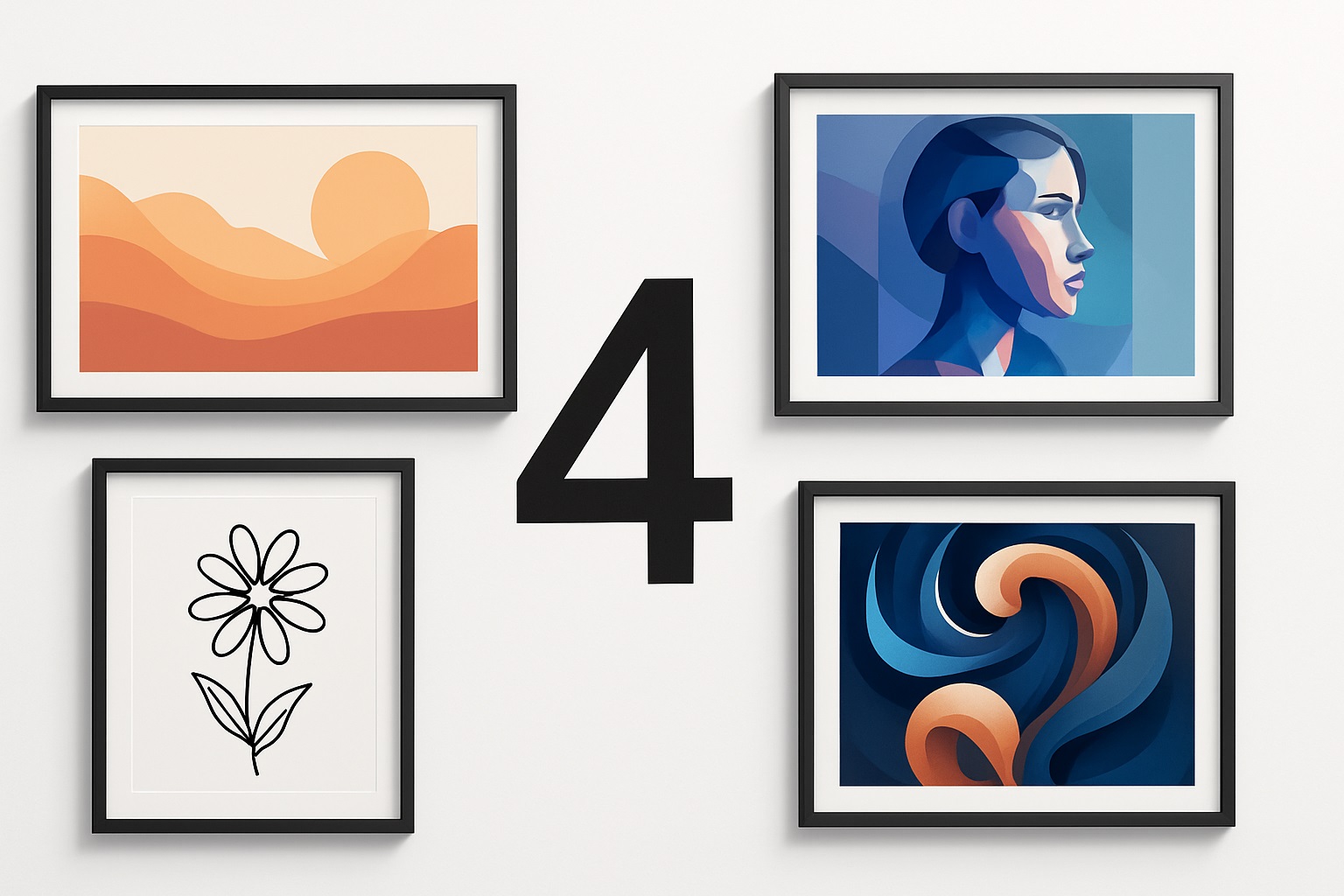
Table of Contents
Picture this: you're working on a project and need stunning visuals, but hiring a designer isn't in the budget. Or maybe you're a content creator who needs fresh images daily. That's where AI image generators come in—they're like having a creative partner who never sleeps and can bring your wildest ideas to life in seconds.
The AI image generation space has exploded in 2025, with tools that can create everything from photorealistic portraits to abstract art, product mockups, and everything in between. But with so many options out there, which ones are actually worth your time?
I've spent weeks testing the most popular AI image generators to find the ones that deliver real value—whether you're a complete beginner or a seasoned creative professional. Let's dive into the five best AI image generators that are making waves this year.
What Makes a Great AI Image Generator?
Before we jump into the list, let's talk about what separates the good from the great. A top-tier AI image generator should offer quality results that look professional, not robotic. It should be intuitive enough for anyone to use, regardless of technical skill. Speed matters too—nobody wants to wait forever for their creation. And perhaps most importantly, it should offer good value, whether through free tiers or reasonable pricing.
1. OpenArt: The Community-Powered Creative Studio
If you're looking for an AI image generator that combines power with community inspiration, OpenArt deserves your attention.
What makes OpenArt special is its unique blend of advanced AI models and a thriving community of creators. Unlike standalone generators, OpenArt gives you access to multiple AI models in one place, so you can experiment with different styles without jumping between platforms.
Why It Stands Out:
The platform shines in its versatility. You can generate images from scratch using text prompts, but you can also upload your own images and transform them in creative ways. Want to turn a simple sketch into a detailed illustration? OpenArt handles it beautifully.
The community aspect is genuinely helpful. You can browse thousands of prompts and styles created by other users, which is perfect when you're stuck or just learning. It's like having a massive inspiration library at your fingertips.
Best For:
OpenArt is ideal for digital artists, social media managers, and anyone who wants to experiment with different AI models without committing to just one. The free tier is generous enough to get a real feel for what it can do.
The Learning Curve:
Here's the good news: you don't need to be tech-savvy. Type what you want to see, hit generate, and watch the magic happen. As you get comfortable, you can dive into advanced features like fine-tuning models and using specific artistic styles.
2. CapCut: The All-in-One Content Creator's Dream
CapCut started as a video editing app, but it has evolved into a comprehensive content creation powerhouse with impressive AI image generation capabilities.
What's brilliant about CapCut is how it integrates AI image generation into a broader creative workflow. You're not just generating standalone images—you can create visuals and immediately incorporate them into videos, social media posts, or marketing materials.
Why It Stands Out:
The real magic of CapCut lies in its ecosystem approach. Need a background image for your video? Generate it with AI. Want to create a series of images that match your brand aesthetic? The AI tools maintain consistency across your creations.
The mobile app is exceptionally well-designed, making it possible to generate professional-quality images right from your phone. This mobility is a game-changer for content creators who work on the go.
Best For:
CapCut is perfect for video creators, TikTokers, Instagram content creators, and anyone who needs to produce visual content quickly and consistently. If you're already creating videos, having AI image generation in the same app streamlines your entire workflow.
The Learning Curve:
If you can use Instagram, you can use CapCut. The interface is designed for mobile-first creators, which means everything is accessible and straightforward. The AI features integrate seamlessly into the editing workflow without adding complexity.
3. Pacdora: The Packaging and Product Mockup Specialist
Here's where things get specialized. Pacdora isn't trying to be everything to everyone—instead, it focuses on one thing and does it exceptionally well: packaging design and product mockups.
If you're an entrepreneur, e-commerce seller, or product designer, Pacdora solves a specific problem that general AI image generators struggle with: creating realistic packaging and product presentations.
Why It Stands Out:
Pacdora understands the technical requirements of packaging design in a way that general-purpose AI tools don't. It can generate box designs, label mockups, and product presentations that actually look like they could go straight to production.
The platform offers templates for various packaging types—boxes, bottles, bags, and more. You can customize these with AI-generated designs or upload your own artwork and see it realistically applied to 3D mockups.
Best For:
This tool is essential for small business owners who need professional packaging mockups without hiring a designer, e-commerce sellers who want to visualize products before manufacturing, and marketing teams who need quick product presentation images.
The Learning Curve:
Pacdora strikes a nice balance between professional capability and user-friendliness. You don't need design experience to create impressive mockups, but there's enough depth for professionals who want precise control.
4. Adobe Firefly: The Professional's Choice
When Adobe enters any creative space, you know they mean business. Adobe Firefly represents Adobe's entry into AI image generation, and it brings the polish and integration you'd expect from the industry leader.
Firefly is built directly into Adobe's creative suite, which means if you're already using Photoshop, Illustrator, or other Adobe products, AI image generation becomes part of your existing workflow.
Why It Stands Out:
The commercial safety aspect is huge. Adobe has been transparent about training Firefly only on licensed content, stock images, and public domain material. This means you can use Firefly-generated images commercially without the copyright concerns that plague some other AI generators.
The quality is consistently high, with a focus on realistic textures and lighting. Firefly understands composition in a way that makes images look professionally crafted rather than obviously AI-generated.
Best For:
Adobe Firefly is the go-to choice for professional designers, marketing agencies, businesses that need commercial-use images, and anyone already invested in the Adobe ecosystem. The peace of mind regarding licensing alone makes it worth considering for commercial projects.
The Learning Curve:
If you're familiar with Adobe products, Firefly feels like a natural extension. If you're new to Adobe, there's definitely more to learn compared to simpler tools, but the interface is more approachable than you might expect. Adobe has done a good job making their AI tools accessible to non-professionals.
How to Choose the Right AI Image Generator for Your Needs
With four solid options on the table, how do you decide which one is right for you? Here's a simple framework to help you choose.
Think About Your Primary Use Case:
If you're creating social media content and videos regularly, CapCut's integrated approach will save you countless hours. If you need packaging mockups or product designs, Pacdora is specifically built for that purpose. For general creative work with community inspiration, OpenArt offers incredible flexibility. And if you're working professionally or need commercial-safe images, Adobe Firefly provides the security and quality that professional work demands.
Consider Your Budget:
Most of these platforms offer free tiers or trials, so you can test them out before committing. OpenArt and CapCut have generous free options that work well for casual users. Pacdora offers specific value for product-focused creators. Adobe Firefly integrates with Creative Cloud subscriptions, which makes sense if you're already using Adobe products.
Evaluate Your Technical Comfort:
Be honest about your tech skills. CapCut is probably the most beginner-friendly, especially if you're comfortable with mobile apps. OpenArt strikes a nice balance between simplicity and power. Pacdora is specialized but straightforward for its specific use cases. Adobe Firefly offers the most professional features but requires a bit more learning.
The Future of AI Image Generation
We're living through an incredible moment in creative technology. AI image generators have moved from producing odd, dreamlike images to creating professional-quality visuals that rival human-made work. The tools we've covered today represent the cutting edge of what's possible in 2025.
What excites me most isn't just the technology—it's how these tools are democratizing creativity. You no longer need years of design training or expensive software to bring your visual ideas to life. Whether you're a entrepreneur visualizing your product, a content creator needing fresh visuals daily, or someone who just wants to explore their creative side, there's an AI image generator that fits your needs.
The key is to start experimenting. Most of these platforms offer free trials or tiers, so you can test them without risk. Try generating a few images with different tools and see which workflow feels most natural to you.
Tips for Getting the Best Results from AI Image Generators
Before you dive in, here are some practical tips that work across all these platforms:
Be Specific with Your Prompts: Instead of "a dog," try "a golden retriever puppy sitting in a meadow at sunset, soft lighting, photorealistic." The more details you provide, the better your results will be.
Iterate and Refine: Your first generation probably won't be perfect, and that's okay. Use it as a starting point, adjust your prompt, and generate again. Think of it as a conversation with the AI.
Study What Works: Look at successful images created by others on these platforms. What do their prompts include? How are they structured? Learning from the community accelerates your own progress.
Combine Tools: Don't feel locked into just one platform. You might generate a base image in OpenArt, create packaging mockups in Pacdora, and then edit everything together in CapCut. The best creators use multiple tools strategically.
Making Your Choice
The best AI image generator for you depends entirely on what you're creating. There's no universal "best" tool—just the best tool for your specific situation.
Start with your primary need. Are you making content for social media? Creating product designs? Doing professional client work? Your answer will point you toward the right tool.
Remember, these technologies are evolving rapidly. What's true today might change in six months. The tools that win in the long run will be the ones that keep improving, listen to their users, and solve real problems.
The exciting part? You don't need to choose just one. Many creators use different AI image generators for different purposes. OpenArt for exploration and experimentation, CapCut for content creation, Pacdora for product work, and Adobe Firefly for professional client projects.
Ready to Start Creating?
The barrier to entry for visual content creation has never been lower. These AI image generators put professional-quality results within reach of anyone with an idea and internet connection.
My advice? Pick one tool from this list that matches your primary need, spend a week really learning it, and start creating. Don't get paralyzed by trying to find the "perfect" tool. The perfect tool is the one you actually use.
The creative possibilities with AI image generation in 2025 are genuinely exciting. Whether you're building a business, growing an audience, or just exploring your creative side, these tools can help you bring your visions to life faster and more affordably than ever before.
So what are you waiting for? Your next great visual creation is just a prompt away.