AI Website Builders for Beginners: Creating a Site with No Code
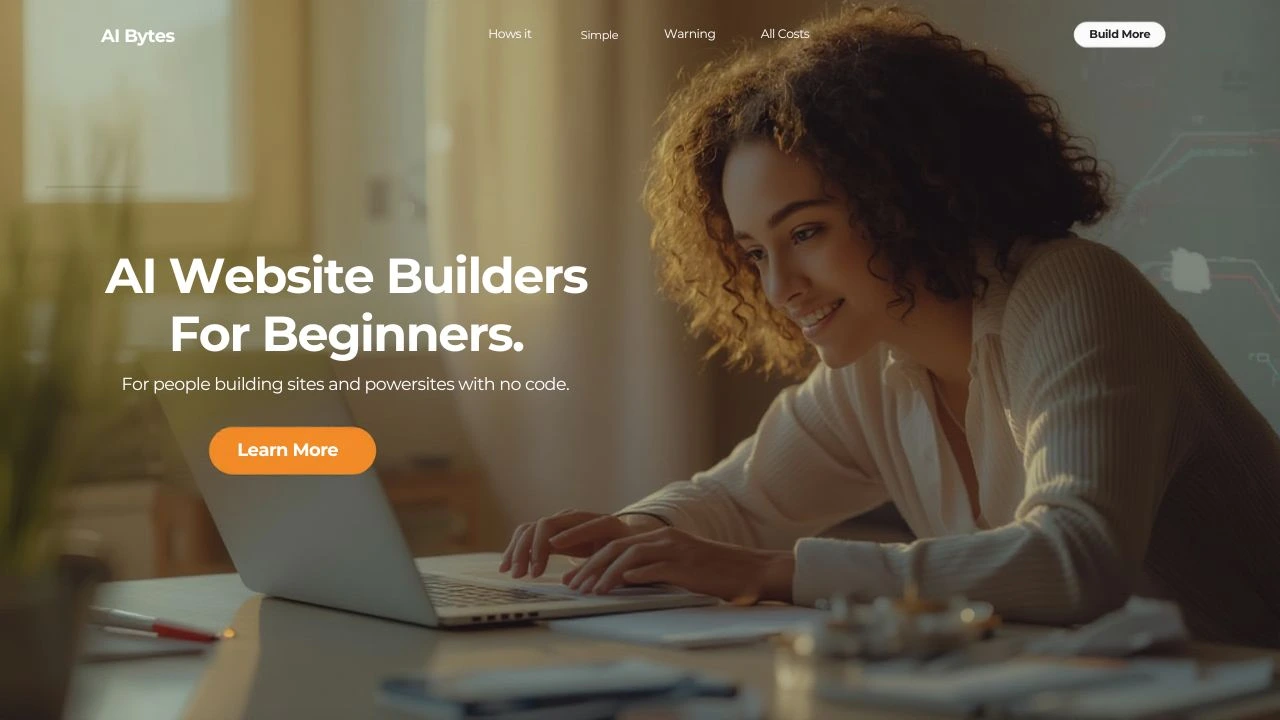
Table of Contents
Remember when building a website meant learning complicated code, hiring expensive developers, or spending weeks wrestling with confusing software? Those days are over.
Today, you can create a professional website in the time it takes to finish your morning coffee. No coding. No technical headaches. Just you, your ideas, and artificial intelligence working together to bring your online presence to life.
If you're a small business owner wondering how to get online, a freelancer needing a portfolio, or someone with a passion project that deserves a home on the web, this guide is for you. We're going to explore how AI website builders are changing everything about creating websites—making it faster, easier, and more accessible than ever before.
The Revolution Happening Right Now
The numbers tell a powerful story. The AI website builder market was worth $3.17 billion in 2023 and experts project it will explode to $31.5 billion by 2033. That's not just growth—that's a complete transformation of how websites get made.
Here's what's even more interesting: 68% of small businesses globally now use AI-assisted tools for web creation. Over 20 million websites worldwide have been built using AI-based website builders. And here's the kicker—59% of new business owners prefer using AI builders over hiring developers.
Why? Because AI website builders are solving real problems:
- They take you from zero to a complete website in minutes instead of weeks
- They cost a fraction of what traditional development costs (we're talking $10-50 per month instead of thousands)
- They handle all the technical stuff automatically—hosting, security, mobile optimization
- They don't require you to know a single line of code
But the most remarkable thing? In perception tests, 54% of business owners couldn't tell the difference between human-created and AI-generated websites. That's how good these tools have become.
How AI Website Builders Actually Work (In Plain English)
Let's demystify this. An AI website builder isn't magic—it's smart technology working for you.
Here's what happens when you use one:
Step 1: You Have a Conversation
The AI asks you simple questions in everyday language: - What kind of website do you need? (A restaurant menu site, an online store, a photography portfolio?) - What's your business called? - What colors do you like? - What pages do you need?
No technical jargon. Just straightforward questions anyone can answer.
Step 2: The AI Gets to Work
Behind the scenes, the AI uses something called machine learning—think of it as a super-smart assistant that's learned from millions of websites. It understands what makes websites work well: which layouts are easy to navigate, which color combinations look professional, how to arrange information so people find what they need.
Step 3: Your Website Appears
In 30 seconds to a few minutes, you get a complete website. Not a blank template. Not a skeleton you have to fill in. A real, working website with: - All your pages laid out and designed - Text written for your business (that you can edit) - Images that match your industry - Contact forms that work - Mobile-friendly design - Fast loading speeds - Basic SEO setup
Step 4: You Make It Yours
This is where you add your personal touch. Change colors? Click and choose. Don't like a photo? Swap it out. Want to rewrite that headline? Just type. The AI did the heavy lifting, but you're still in control.
Think of it like this: traditional website building is like building a house from scratch, brick by brick. Using an AI website builder is like moving into a fully furnished house and rearranging the furniture to your taste.
The Best AI Website Builders for Beginners (Real Talk)
Let's talk about the platforms that are actually worth your time. I'm not going to list every option—just the ones that beginners find easiest to use.
Wix ADI: The All-Rounder Everyone Knows
What Makes It Special: Wix has been in this game since 2006, and their Artificial Design Intelligence (ADI) shows that experience. With over 200 million users globally, they've refined their AI using real data from millions of websites.
How It Works: Wix ADI asks you detailed questions about your site's purpose, your style preferences, and your business type. It can even pull information from your existing social media profiles. Then it generates a complete multi-page website with custom text and images.
The best part? You can switch from the simple ADI interface to Wix's full editor anytime you want more control. It's like training wheels you can take off when you're ready.
What You'll Pay: Plans start at $16/month for basic AI features, but most people need the $27/month Business Basic plan for useful functionality like customer accounts and online payments.
Best For: Anyone who wants a balance of AI assistance and the ability to customize extensively as they grow.
Hostinger AI: The Budget-Friendly Speed Demon
What Makes It Special: Hostinger built their AI website builder around one goal: getting you online fast. Their current record? A complete five-page website in under four minutes.
How It Works: You answer just a few questions about your business, and Hostinger's AI (powered by ChatGPT technology) generates a complete website with relevant text and images. The interface is incredibly simple—no digging through menus to find features.
What You'll Pay: This is where Hostinger shines. Plans start at just $2.49/month, making it the most affordable option for beginners. That price includes hosting, domain registration for the first year, and SSL certificates—everything you need.
Best For: Anyone on a tight budget who needs to get online quickly. Also great for bloggers, as it has dedicated blog creation tools built right in.
Durable AI: When You Need a Site Yesterday
What Makes It Special: Durable has one claim to fame: it generates a complete, functional website in less than 30 seconds. Not a typo—30 seconds.
How It Works: You answer three simple questions (business type, business name, and location), and Durable's AI creates a full website with text, images, and even business tools like CRM and invoicing built in. The platform reported 3 million websites created within just 18 months of launch.
The Trade-Off: Speed comes at a price. Durable's customization options are more limited than Wix or Hostinger, and it's actually more expensive at $12/month with no free plan. The designs can also feel a bit generic.
What You'll Pay: $12/month, which includes hosting, domain, and basic business tools.
Best For: Solo entrepreneurs and small business owners who need to launch immediately and care more about speed than extensive customization.
Squarespace Blueprint AI: For the Design-Conscious
What Makes It Special: Squarespace has always been known for beautiful, magazine-quality design. Their Blueprint AI brings that design excellence to AI-generated websites.
How It Works: Blueprint AI guides you through an interactive design process, offering curated design options based on 20 years of Squarespace's design expertise. It generates high-quality, personalized content and design suggestions that you preview in real-time.
What You'll Pay: Plans range from $16 to $99 per month, but you get those stunning templates and professional design standards at every price point.
Best For: Creatives, photographers, designers, and anyone who wants their website to be a visual showcase.
Breaking Down the Real Costs (No Hidden Surprises)
Let's talk money honestly, because "starting at $2.99/month" doesn't tell you the whole story.
Here's what AI website builders actually cost in 2025:
Free Plans: $0/month - What you get: Basic website building, limited features, platform branding ("Powered by..."), subdomain (yoursite.platformname.com) - What you don't get: Custom domain, e-commerce, advanced features - Who it's for: Testing the waters, hobby projects, temporary sites
Small Business Plans: $10-30/month - What you get: Custom domain, no platform branding, basic e-commerce, more pages, better support - What you don't get: Advanced marketing tools, priority support, team features - Who it's for: Most small businesses, freelancers, portfolios
Professional Plans: $30-80/month - What you get: Full e-commerce capabilities, advanced analytics, marketing integrations, unlimited pages - What you don't get: White-label options, dedicated account manager - Who it's for: Growing businesses, online stores, agencies
Enterprise Plans: $100-500+/month - What you get: Everything, plus custom solutions, priority support, team collaboration tools - Who it's for: Large businesses, agencies managing multiple client sites
The Hidden Costs to Watch For:
- Domain Renewal: Many platforms include your domain free for the first year, then charge $10-20/year after that
- Email Marketing: Often costs extra ($10-30/month for basic plans)
- Advanced Apps: Want appointment booking? Payment processing? These often require upgraded plans or additional fees
- Transaction Fees: If you're selling products, some platforms take a percentage of each sale (usually 0-3%)
Here's the Real Comparison:
Traditional website development costs $5,000-50,000 upfront, plus $100-500/month for hosting and maintenance. An AI website builder costs $10-50/month, total. That's a savings of over $10,000 in the first year alone.
Your Step-by-Step Guide to Creating Your First AI Website
Ready to actually build something? Here's exactly what to do.
Before You Start (10 Minutes of Thinking)
Don't just jump in. Spend a few minutes planning:
-
Define Your Purpose: Are you selling products? Showcasing your work? Building your personal brand? Be specific.
-
List Your Must-Haves:
- What pages do you absolutely need? (Home, About, Contact are standard)
- Do you need a blog?
- Will you sell anything?
-
Do you need appointment booking?
-
Gather Your Content:
- Your logo (if you have one)
- 5-10 good photos of your work, products, or team
- A short description of what you do (2-3 sentences)
-
Your contact information
-
Look at Competitors: Visit 3-5 websites in your industry. What do you like? What do you hate? This helps you explain what you want to the AI.
The Building Process (30 Minutes to 2 Hours)
Step 1: Choose Your Platform Based on what we covered earlier, pick the builder that fits your needs and budget.
Step 2: Sign Up and Answer the AI's Questions Be honest and specific. The better your answers, the better your website. If it asks what your business does, don't just say "restaurant." Say "family-owned Italian restaurant specializing in wood-fired pizza and homemade pasta."
Step 3: Let the AI Do Its Thing Grab that coffee we mentioned. This takes 30 seconds to a few minutes.
Step 4: Review What the AI Created Look at every page. Does it capture your vibe? Is the information accurate? Don't worry if it's not perfect—you'll fix that next.
Step 5: Customize and Personalize This is where you make it yours: - Replace AI-generated text with your actual story, your voice - Swap out stock photos for real images of your business - Adjust colors to match your brand - Add any missing pages - Make sure your contact information is correct
Step 6: Test Everything Click every link. Fill out your contact form. View it on your phone. Ask a friend to look at it. Fix anything that's broken or confusing.
Step 7: Publish Hit that publish button. Your website is live.
After You Launch (Ongoing)
Your website isn't a "set it and forget it" thing. Plan to: - Update content monthly (new blog posts, photos, services) - Check analytics to see what's working - Make small improvements based on how people use your site - Keep your contact information current
Common Beginner Mistakes (And How to Avoid Them)
Mistake #1: Leaving the AI Content As-Is The AI writes generic content. It doesn't know your grandmother's secret recipe or why you started your business. Always personalize the text.
Mistake #2: Using All Stock Photos Nothing screams "not real" like a website full of obviously staged stock photos. Use at least some real photos of your actual business, even if they're just phone pictures.
Mistake #3: Trying to Include Everything Your first website doesn't need 20 pages. Start with the essentials: Home, About, Services/Products, Contact. You can always add more later.
Mistake #4: Ignoring Mobile Over 60% of web traffic comes from phones. If your site looks terrible on mobile, you're losing more than half your visitors. Always preview and adjust for mobile.
Mistake #5: Forgetting SEO Basics Even AI-built websites need basic SEO. Make sure: - Your page titles describe what's on each page - You include your location if you're a local business - Your images have descriptive names (not "IMG_1234.jpg") - You write clear, helpful content
Mistake #6: Choosing the Wrong Platform Don't pick a platform because it's cheapest. Pick it because it fits your needs. Need a blog? Make sure it has good blogging tools. Selling products? Verify the e-commerce features work for your type of products.
Real Questions Beginners Ask
"Do I still need a website if I have social media?"
Yes. You don't own your social media—the platform does. They can change their rules, shut down your account, or disappear entirely. Your website is yours. Plus, 75% of people judge a business's credibility based on its website.
"Will my AI-built website look cheap or generic?"
Not if you personalize it. The AI gives you a professional starting point. What makes it unique is your content, your photos, your voice. Two restaurants might start with the same template, but once they add their actual menu, real photos, and unique story, they look completely different.
"Can I switch platforms later if I'm not happy?"
Yes, but it's not always easy. Most platforms let you export your content, but you'll likely need to rebuild the design. This is why it's worth spending time choosing the right platform from the start.
"How much time will I need to spend maintaining my website?"
For a basic business website, plan for 2-4 hours per month. This includes updating content, checking that everything works, and making small improvements. E-commerce sites need more attention.
"Can I do e-commerce with an AI website builder?"
Absolutely. Most AI builders now include e-commerce features. However, if you're planning to sell hundreds of products or need complex inventory management, you might want a platform specifically designed for e-commerce like Shopify (which also has AI features).
The Future Is Already Here
Here's something to consider: by 2027, experts predict that AI-generated websites will make up more than 50% of all new websites. We're watching a fundamental shift in how the internet gets built.
But here's what won't change: the need for human creativity, authentic stories, and genuine connection. AI can build the framework, but only you can make it meaningful.
The beautiful thing about AI website builders is that they've removed the barriers that kept people off the internet. You don't need to be technical. You don't need a big budget. You don't need months of free time.
You just need an idea and the willingness to try.
Ready to Build? Your Next Steps
If you're serious about getting online, here's what to do today:
- Spend 15 minutes planning what you want your website to do
- Choose one platform from this guide (I recommend starting with Hostinger if budget is tight, or Wix if you want more flexibility)
- Sign up for a free trial (all the platforms mentioned offer free trials or plans)
- Build your first version (give yourself an afternoon)
- Get feedback from three people who don't know you well
- Publish within a week
Don't aim for perfect. Aim for done. You can always improve it later.
Going Deeper: Resources for Your Journey
Want to explore no-code website building further? Check out these resources:
- Learn how to create professional writer websites without code using platforms like Beehiiv: Building an Effective No-Code Writer Website
- Discover how AI is transforming software development with tools like Google's Antigravity: Google Antigravity: The Revolutionary AI-First IDE
The world of no-code tools is expanding rapidly, and AI website builders are just the beginning. These tools are democratizing the web, making it possible for anyone with an idea to have a presence online.
The Bottom Line
Building a website used to be complicated, expensive, and intimidating. AI website builders have changed that completely.
Today, you can create a professional website for your business, portfolio, or passion project in less time than it takes to watch a movie. You don't need to know code. You don't need thousands of dollars. You just need to start.
The question isn't whether you can build a website—it's what you're going to build.
The internet is waiting for your story. What are you waiting for?
This guide was created for beginners who are tired of technical jargon and just want straight answers about building websites with AI. If you found it helpful, the best thing you can do is actually use it—go build something. Then come back and share what you learned.